
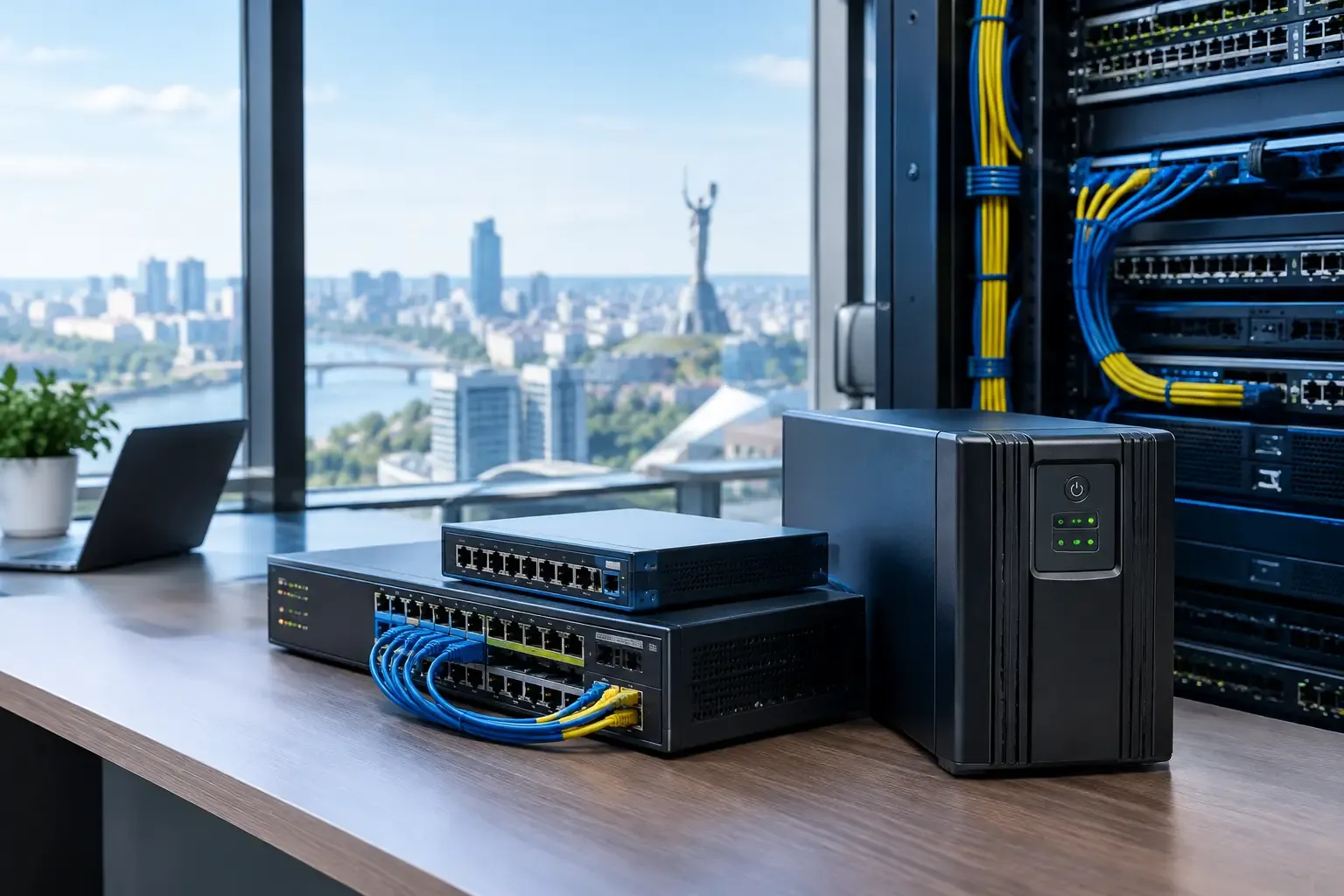
When the power goes out at an office or site, the first thing to stop is usually not the internet connection but the local infrastructure that provides access to it. Routing, switching, Wi-Fi, IP telephony, security systems and the provider's equipment all need power. That is why backup power for network equipment is not an optional extra but part of a business continuity architecture.
For a company, the impact of even a short power loss depends on its processes. At a retail point, cashless payments may stop; at a logistics center, data exchange with the warehouse system; at a clinic, access to records and communications. An office loses cloud services, video calls, CRM and telephony. Having several internet connections does not solve the problem if the equipment that is supposed to switch traffic automatically is powered off.
Why One Backup Connection Is Not Enough
Resilient connectivity is built from several independent layers. For most corporate sites, the primary connection is fiber internet. It provides predictable performance for cloud applications, large volumes of data, IP telephony and corporate VPN connections.
But fiber can be unavailable for reasons other than power at the site. The cause may be line damage, work on the provider's network or a failure in external telecommunications infrastructure. That is why a continuous connectivity system should include independent backup connections: an Ethernet connection from another provider, mobile 4G/5G or satellite Starlink. Which combination is needed depends on the address, the number of employees, critical services, mobile network coverage and latency requirements.
These connections have practical value only when a Multi-WAN system constantly monitors their availability and automatically selects a working route. If switching requires manually looking for a cable, changing settings or rebooting devices, the business still loses time. Backup power keeps this managed node running: it continues to check connections and switch traffic without staff involvement.
Backup Power for Network Equipment: What to Keep Running
A mistake that often happens during planning is to provide autonomy for only one device. For example, the central gateway has power, but the switch that connects the access points, IP phones or the server segment does not. In such a setup the internet connection formally remains available, but users and business systems cannot use it.
Design starts not with a list of devices but with a map of critical functions. You need to determine which services must work in the first minutes and hours after an outage. Usually these are the Multi-WAN router or gateway, the equipment that provides access to the primary and backup connections, key switches, wireless access points, IP telephony components, and the nodes that serve security systems or remote access.
Not every element of the network has the same priority. At a production site, dispatcher communication and access to the accounting system may be critical. For a business center, it is the connections of the administration, security, access control and tenants. In a financial or service company, the priorities will be secure connections to corporate systems, telephony and payment operations. This approach avoids spending the energy reserve on secondary loads.
Autonomy Is Calculated from the Real Load
The question "how many hours will the power last" has no universal answer. Runtime is determined by the total consumption of the critical equipment, the condition of the power source, the chosen redundancy scheme and the margin the business needs before generation starts or mains power is restored.
In practice it is important to consider actual scenarios, not nominal ones. The load can change when additional access points become active, the number of calls grows or the mobile connection starts carrying all corporate traffic. Devices powered over PoE need special attention: their energy is counted in the switch's overall budget, not just in the switch's own rated consumption.
It is also worth deciding whether the system should ride through short interruptions without any manual action, or keep running through a long outage. In the first case the priority is correct switching and protection against short voltage dips. In the second, you need a coordinated scheme with long-duration power sources and rules for limiting non-critical load. These are different engineering tasks, so a solution should not be copied from another office without a survey.
How Power and Multi-WAN Work Together
When the primary connection goes down, the Multi-WAN system checks the availability of specified resources, not just the presence of a physical link. This matters: a cable may be connected while data transfer is not actually working. Once a problem is detected, traffic is automatically moved to an available backup route, for example 4G/5G or Starlink.
Backup power keeps this mechanism running continuously. The gateway does not reboot, routes are not lost and monitoring does not stop. For users this means fewer interrupted sessions in cloud systems, faster restoration of access to services and a higher likelihood of keeping phone service. At the same time, some active connections, including some video calls or secure sessions, may need to be re-established after the external connection changes. This is a normal limitation of network technology that has to be accounted for in operating procedures.
Intelligent routing also makes it possible to set priorities. For example, while running over a mobile backup connection, CRM, corporate telephony, payment services and VPN may be critical, while bulk file downloads or software updates should be limited. This way the backup resource supports operations instead of being spent on background traffic.
Typical Weak Points in a Corporate Network
Problems most often come to light not during installation but at the moment of a real failure. The cause can be simple: backup power exists, but the provider's equipment is not connected to it; a backup mobile connection is installed, but its power supply or internal network has no autonomy. Another common scenario is cables and equipment located in different rooms, with redundancy provided only for the server room.
The lack of regular testing is also a risk. A system may look ready, yet the battery has lost capacity, automatic failover no longer matches the current connection layout, or after network changes some critical devices ended up outside the backup circuit. Testing should simulate real scenarios: loss of mains power, failure of the primary connection, the connection's return and operation with priority traffic.
For sites with several tenants, branches or distributed zones, it is important to define the boundary of responsibility in advance. Who monitors the connection, who can see the power status, who receives alerts and who can change settings? Without this, even a well-designed technical scheme causes delays in response.
A Managed Service Instead of a Set of Devices
Redundancy is not just installing a separate power source or a second internet connection. Connections, network policies, automatic failover, power, monitoring and technical support need to be combined into one managed system. That is why what matters to a business is not a set of equipment but a predictable result: critical departments keep connectivity within the designed scenario.
Optinet designs and supports such systems for businesses in Kyiv and the Kyiv region. Before implementation, we assess the available connection types, critical processes, network topology, power conditions and the required level of autonomy. After integration, the system is monitored as a single service, not as a set of separate components.
It is worth starting with a simple question: which processes can your company not stop for an hour? The answer usually shows clearly which nodes should be part of the backup power circuit and which connections must support their operation.